Vectors VS Rasters
Tools & Tricks
Panels & Palettes
Creating & Editing
Type & Effects
100
Illustrator artwork is made up of scalable shapes called what?
What is Vector graphics
100
This tool selects entire objects or groups.
What is Selection Tool
100
Which panel controls stroke weight and dash patterns?
What is Stroke Panel
100
What is the background surface in Illustrator called?
What is Artboard
100
What does this tool add?
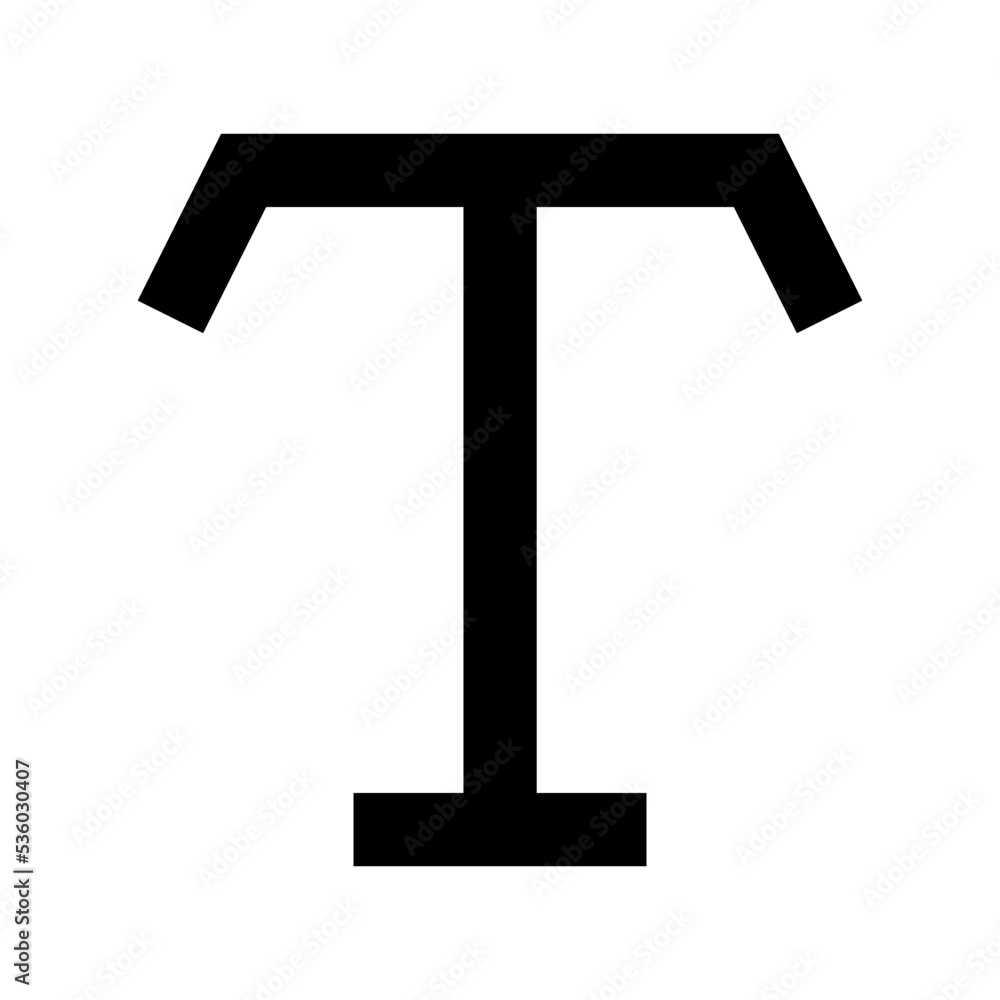
What is Text
200
What are raster images made of?
What are Pixels
200
This tool adjusts individual anchor points or paths.

What is Direct Selection Tool
200
Which panel lets you save and reuse colors?
What is Swatch Panel
200
What is a Clipping Mask used for?
What is hiding artwork outside a defined shape (will also accept creating artwork only within a defined shape)
200
What does this tool create?

What is text that follows the shape or line of a path
300
Which file format is best for print projects — CMYK or RGB?
What is CMYK
300
What is this tool, and what does it allow you to edit on a path?

What is Anchor Point Tool
300
What does the Transparency Panel control?
What are Blending Modes and Opacity
300
Which command combines selected shapes into one?
What is Pathfinder (will also accept group or shape builder)
300
Which panel would you use to adjust type spacing and alignment?
What is Character or Paragraph Panel (will also accept properties panel)
400
What file extension should you always keep as your editable, layered Illustrator file?
What is .ai
400
What is this tool?

What is Shape Builder Tool
400
What is the name of the file type if you export a grouped color swatch?
What is .ase
400
DOUBLE JEOPARDY:
What is the keyboard shortcut for direct and regular selection tools
Both shortcuts need to be correct to receive all points. If only one is correct, you receive half of your points
Direct selection - A
Regular selection - V
400
What tool panel would allow you to blend two or more colors smoothly? This typically occurs when applying a fill color to a selected object or outlined text.
What is Gradient Panel
500
What path effect creates a smooth transition between two or more objects by automatically generating intermediate shapes, colors, or steps based on settings you control (like number of steps or spacing).
What is blending paths
500
When drawing curved paths with the pen tool, what is referred to as the highest-most spot on the curve? This helps in creating smooth, easier-to-control lines.
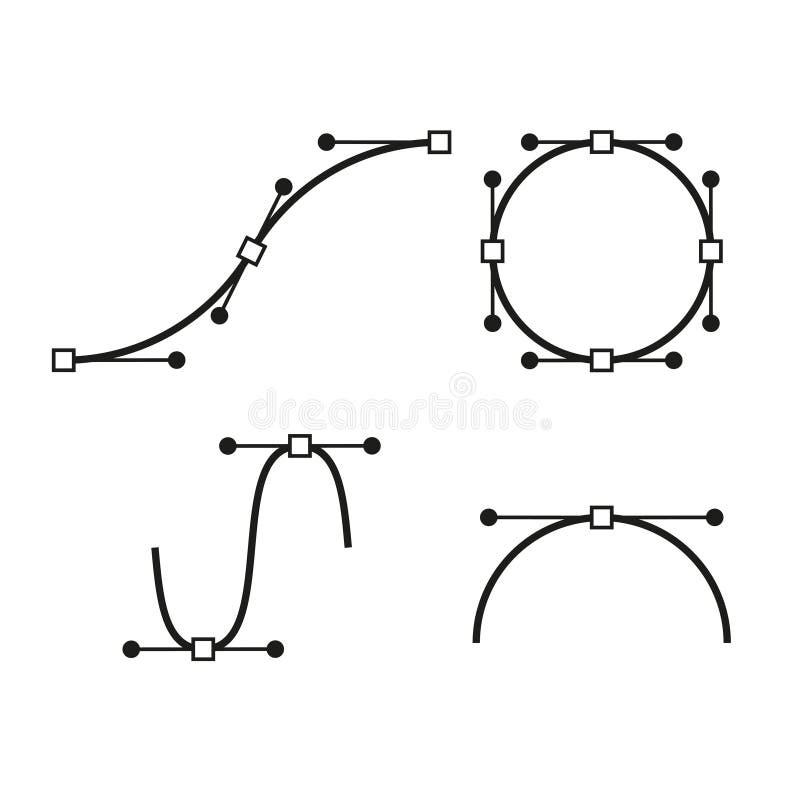
What are Extrema Points (will also accept Bezier Points)
500
What is the difference between creating outlines and outline strokes?
Creating outlines turns type into shapes, where outline strokes turn points/lines into shapes
(text is no longer editable, and stroke weight can no longer be changed)
500
What path effect would allow you to turn lines into shapes?
What is outline stroke
500
What is the difference between stroke and create outlines?
Create outlines turns editable text into shapes, and changes in stroke add a border of color & weight to the shape (one changes the type of shape, and the other changes the shape's weight and color)