Tools of the Trade
The Layer Cake
Fix It in Post
Resolution Revolution
Design Lingo
100
This tool, which looks like a pointer arrow with a cross next to it, lets you pick up an element on your canvas and slide it somewhere else.
What is the Move tool?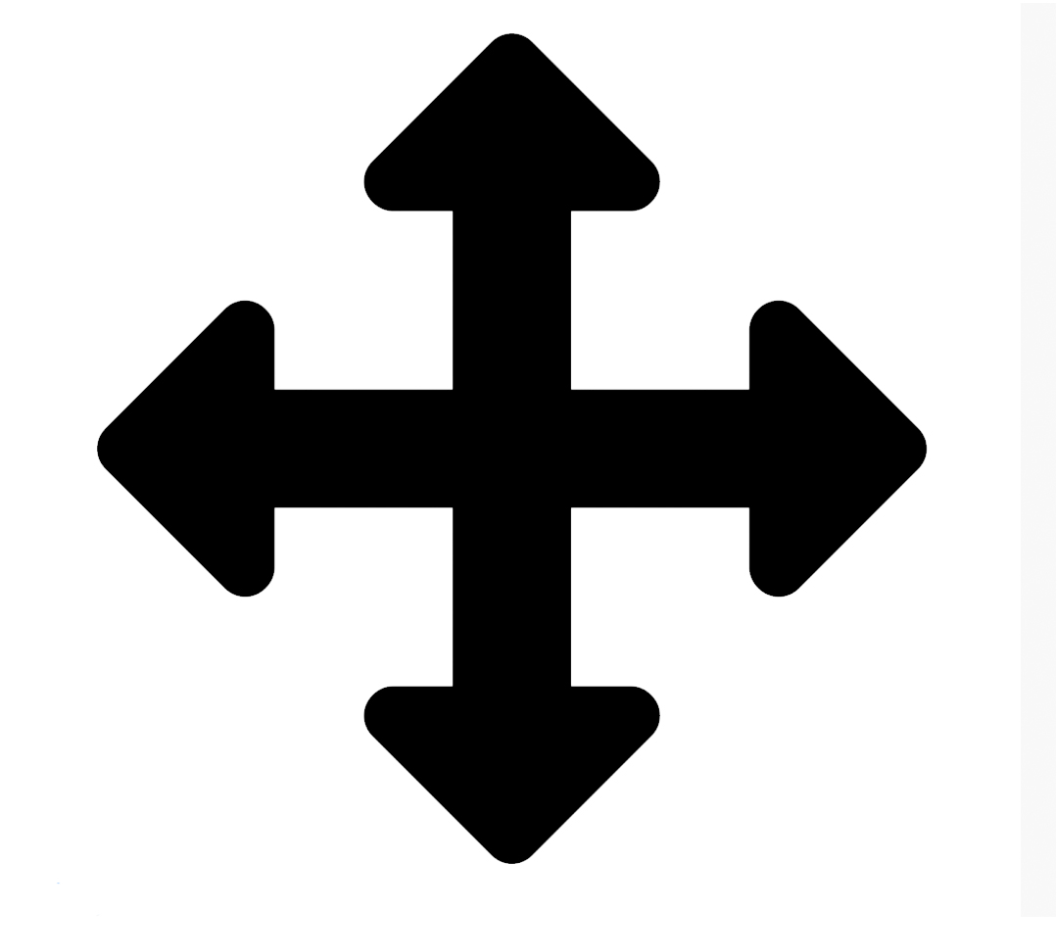
100
If you want to see through a layer or make it semi-transparent, you need to lower this percentage setting at the top of the Layers panel.
What is Opacity?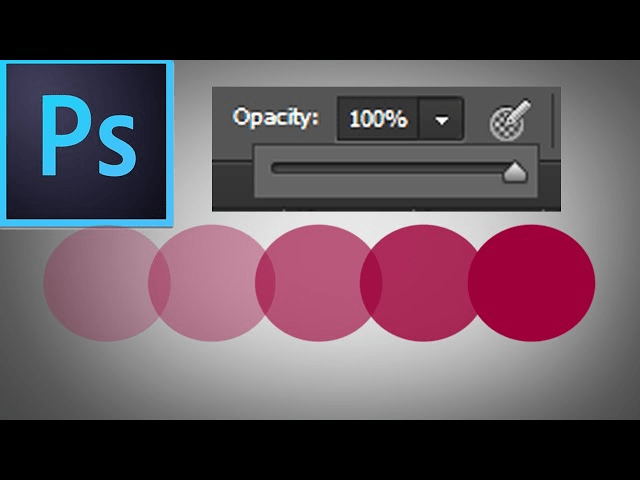
100
If your photo looks too orange from indoor lighting or too blue from a cloudy day, you need to adjust this "temperature" setting.
What is White Balance (or Color Balance)?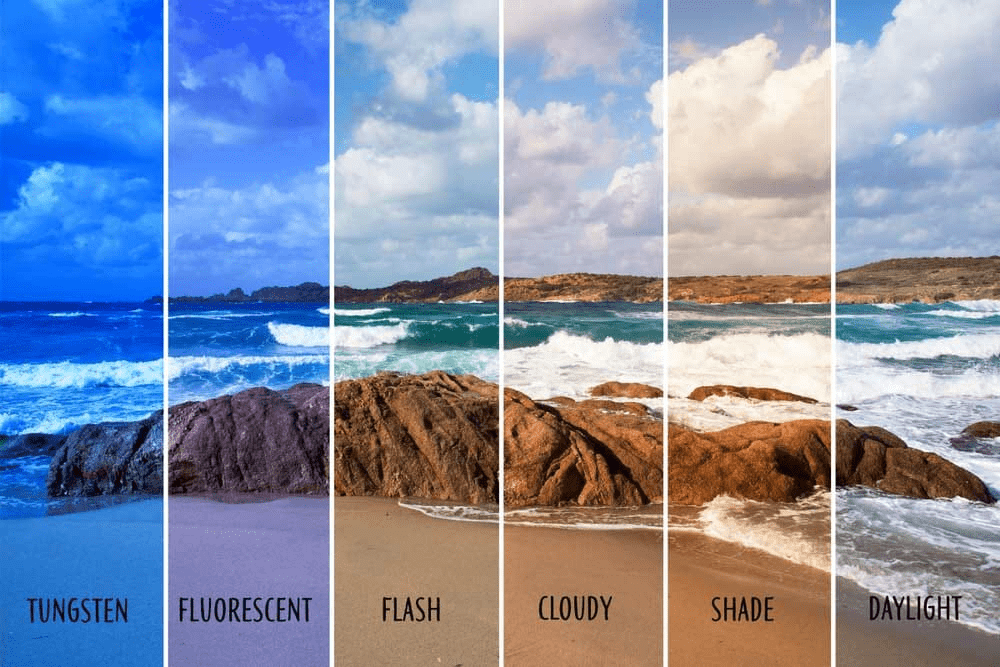
100
This standard 3-letter file extension is the default, native format for saving a project with all its layers intact in Photoshop.
What is a PSD?
100
This term refers to trimming away the outer edges of an image to change its proportions or improve the composition.
What is Cropping?
200
If you want to select a freeform, custom shape by drawing around it with your mouse or stylus, you'd grab this rope-themed tool.
What is the Lasso tool?
200
This non-destructive feature lets you hide or reveal parts of a layer using black and white paint without permanently erasing any pixels.
What is a Layer Mask?
200
This common slider increases or decreases the overall brightness of your image.
What is Exposure (or Brightness)?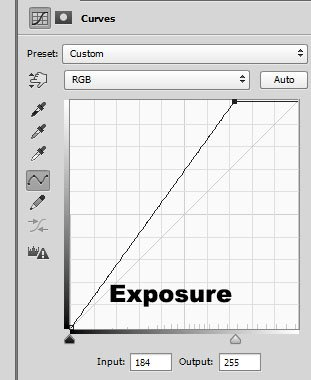
200
This file format is ideal for web graphics because it supports transparent backgrounds, unlike a standard JPEG.
What is a PNG?
200
In the digital world, RGB stands for Red, Green, and Blue. This is the 4-letter acronym used for the color model in physical printing.
What is CMYK (Cyan, Magenta, Yellow, Black)?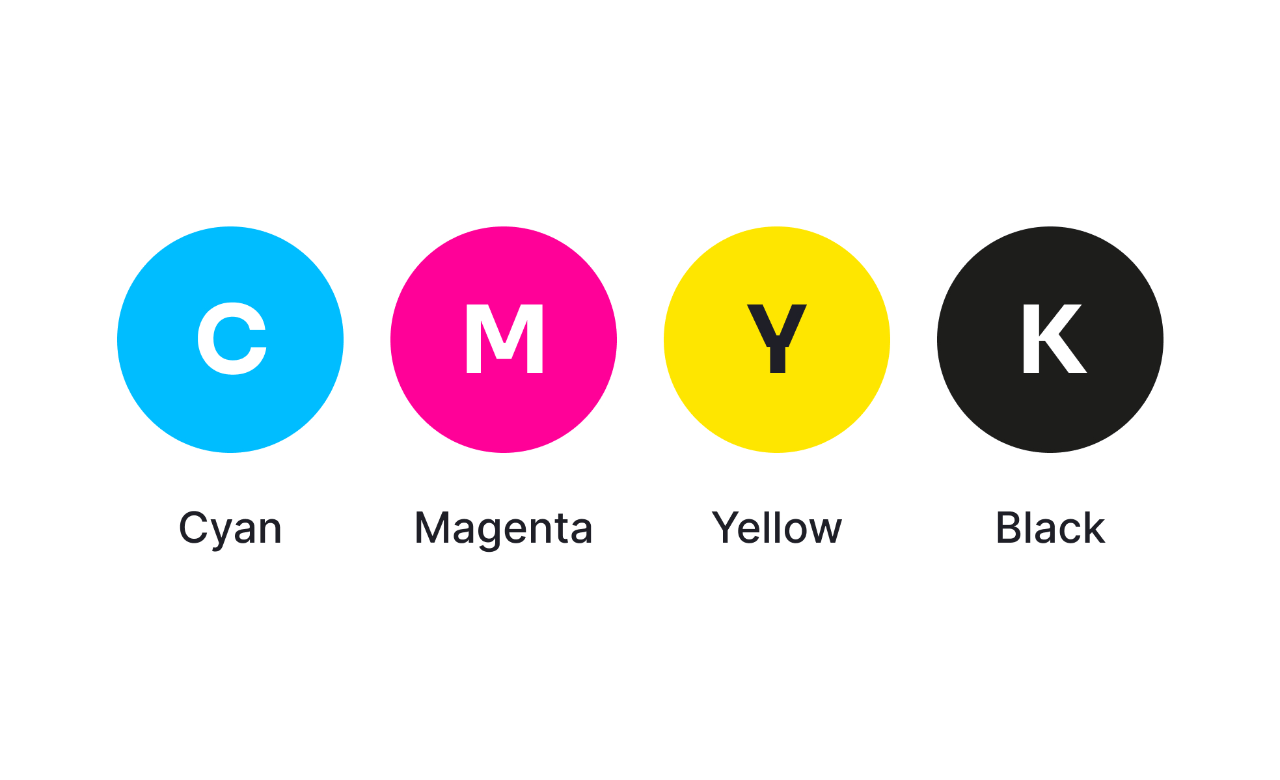
300
This famous tool lets you paint over an imperfection by sampling pixels from a clean part of the image and blending them seamlessly.
What is the Spot Healing Brush (or Healing Brush)?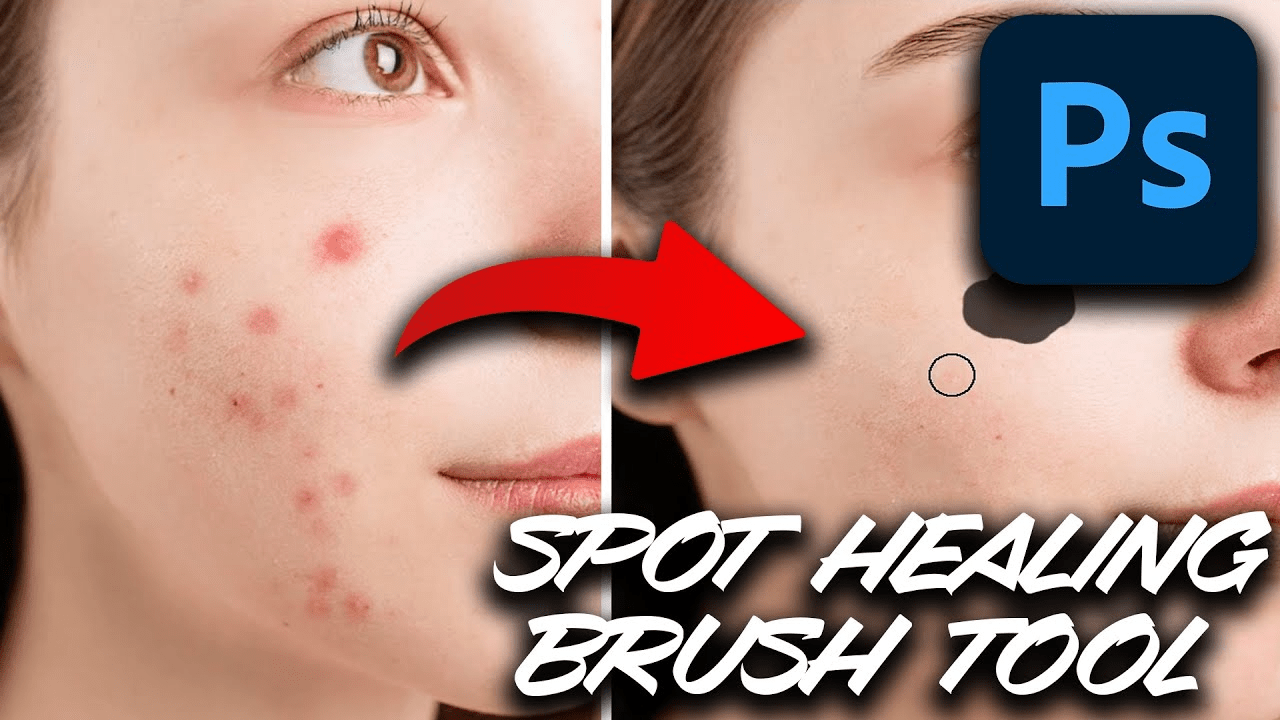
300
To keep your workspace tidy and move multiple related layers together, you can drop them into one of these, represented by a folder icon.
What is a Layer Group (or folder)?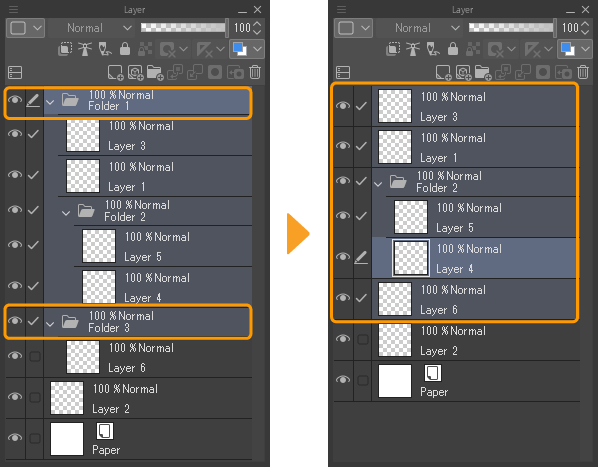
300
This powerful adjustment tool shows you a histogram graph of your image's tones and lets you precisely tweak highlights, midtones, and shadows using three main sliders.
What is Levels (or Curves)?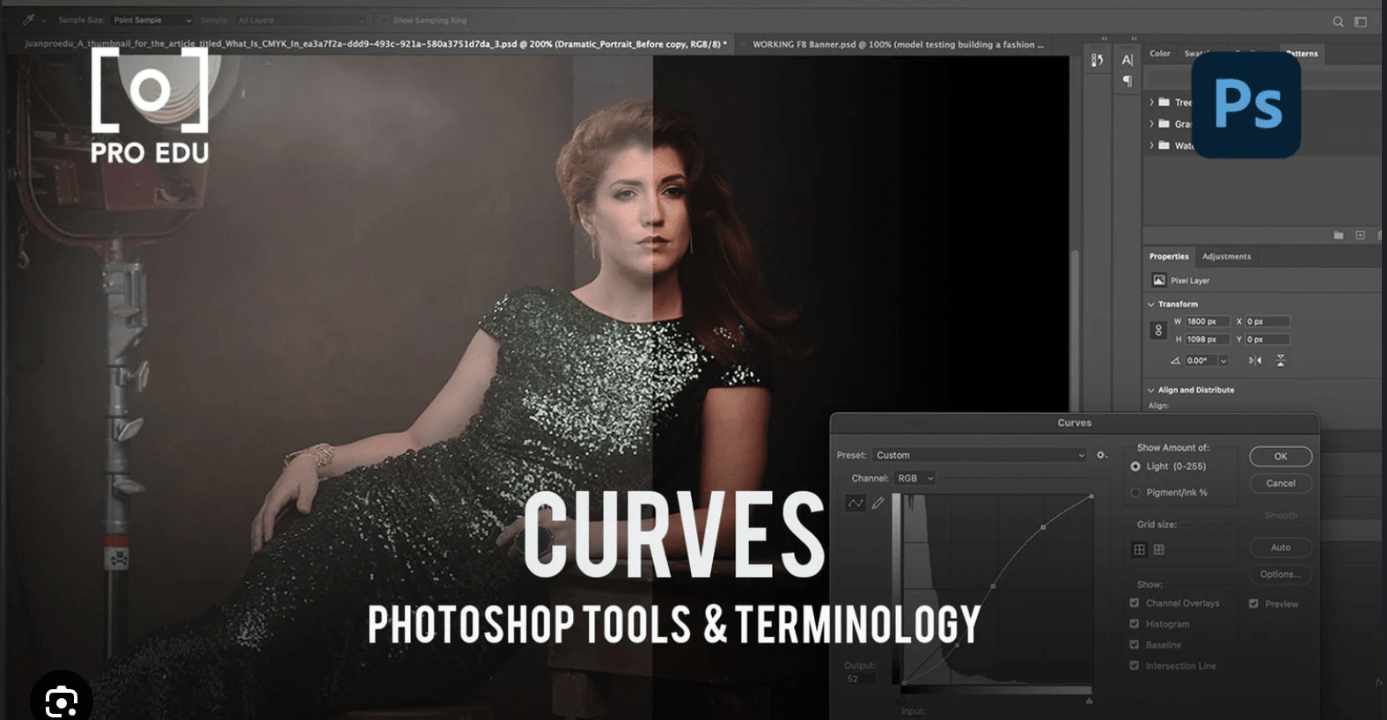
300
Digital images are made up of millions of these tiny, individual squares of color.
What are Pixels?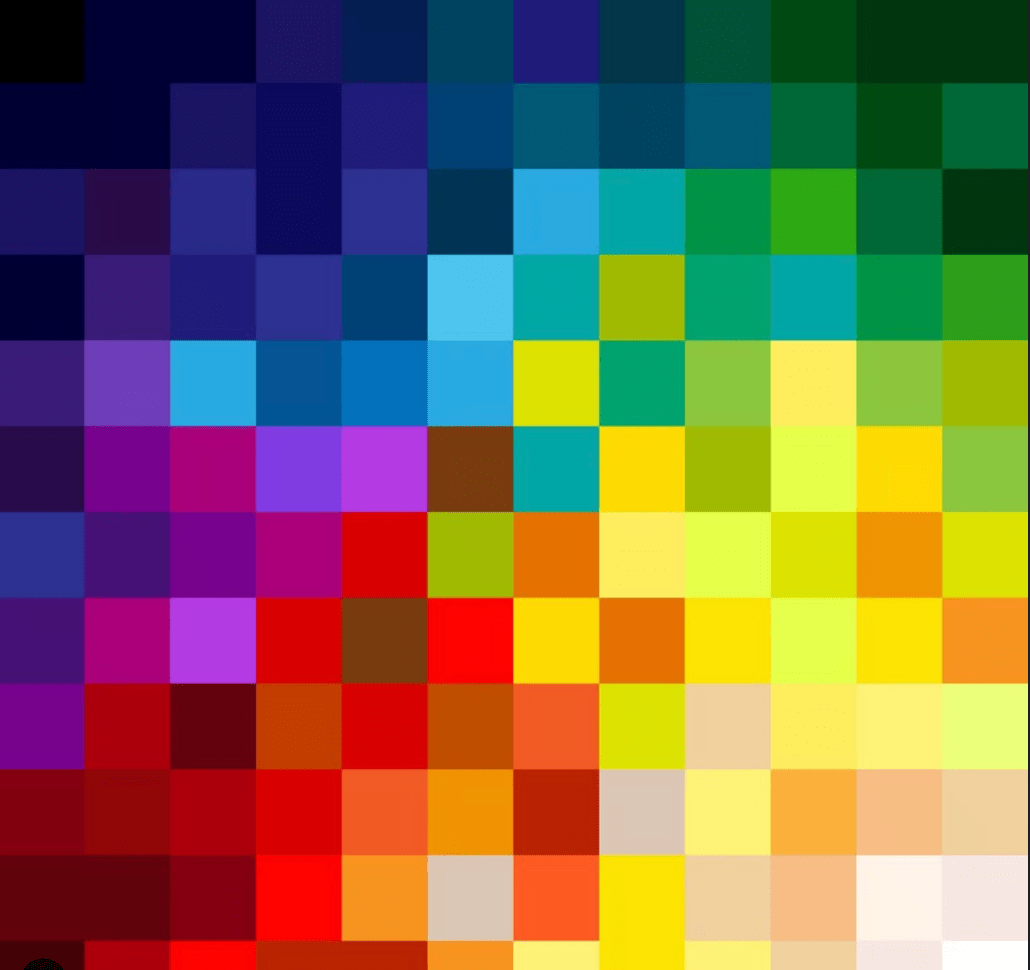
300
This composition rule suggests dividing your canvas into a 3x3 grid and placing your subject along the intersecting lines.
What is the Rule of Thirds?
400
To sample an exact color from an existing image to use as your foreground color, you click on it with this tool.
What is the Eyedropper tool?
400
These settings (like Multiply, Screen, or Overlay) determine how the colors of a top layer interact mathematically with the layers underneath them.
What are Blending Modes?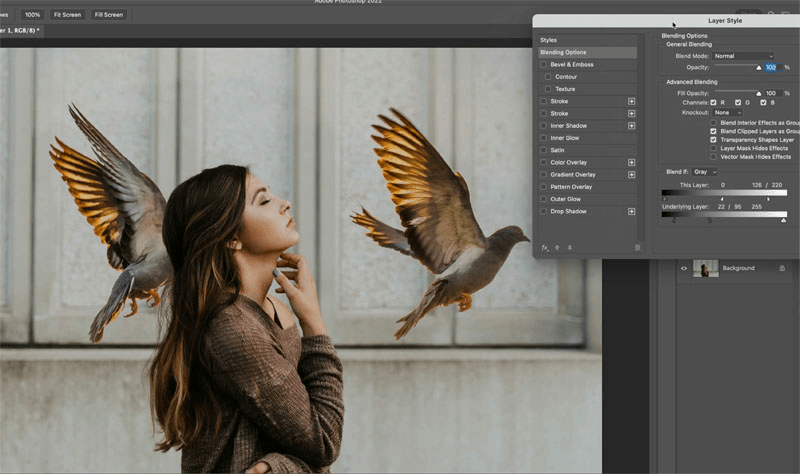
400
If you want to make a photo pop by making the dark parts darker and the bright parts brighter, you are increasing this.
What is Contrast?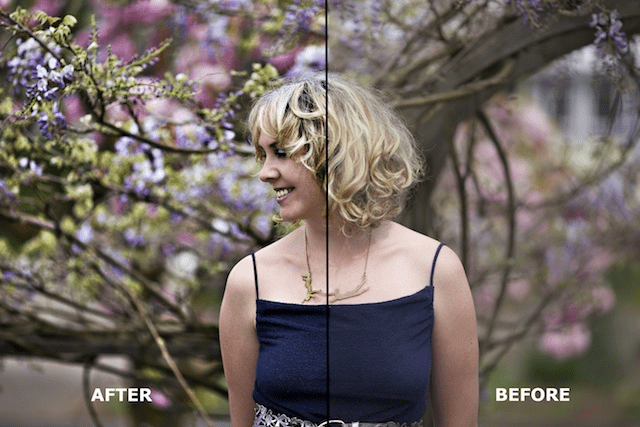
400
While web images look sharp at 72 pixels per inch (PPI), this is the standard minimum PPI resolution required for a high-quality physical print.
What is 300 PPI?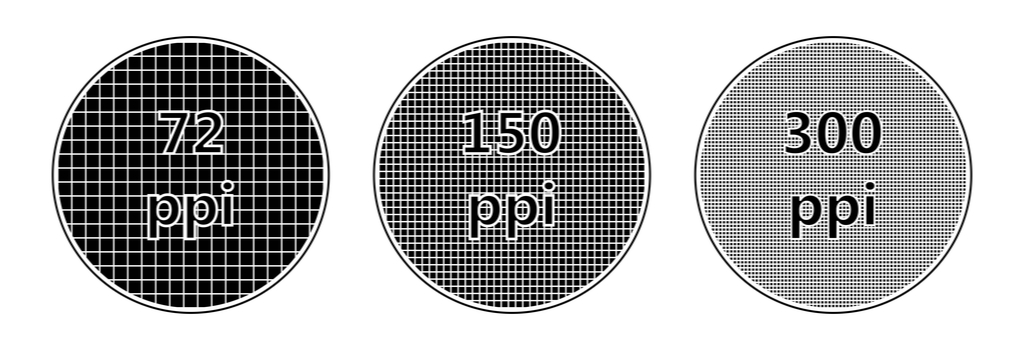
400
This is the specific term for editing an image in a way that allows you to make changes later without permanently altering or damaging the original pixel data.
What is Non-Destructive Editing?
500
Unlike regular brush strokes, this vector tool uses mathematical anchor points and paths to create perfectly smooth curves and shapes.
The Pen tool
500
Converting a text or vector layer into flat, editable pixels is known by this 10-letter term.
What is Rasterizing?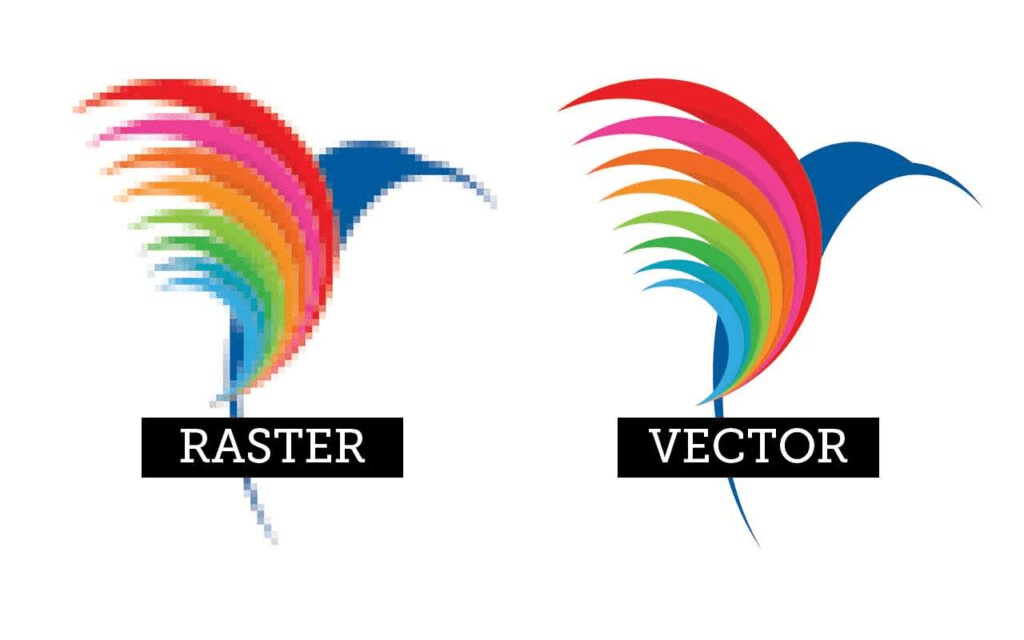
500
If you want to turn a vibrant, colorful photo into a stark black-and-white image, you would drop this slider down to negative 100.
What is saturation?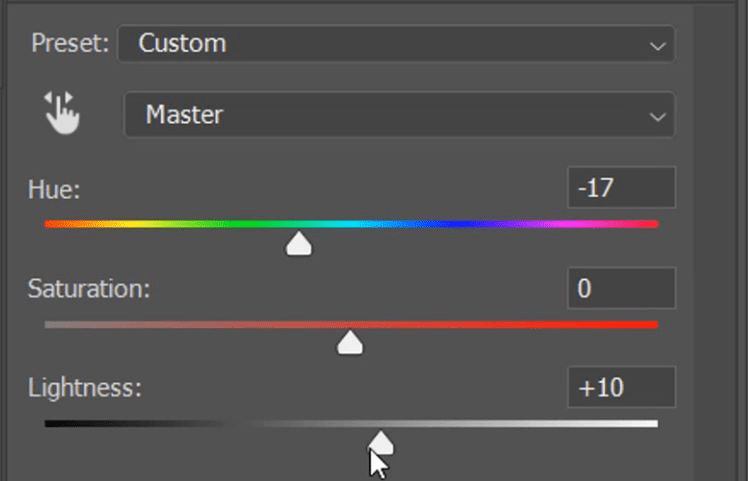
500
If you stretch a small, low-resolution web image to fit a massive poster, it will suffer from this blocky, blurry effect.
What is Pixelation?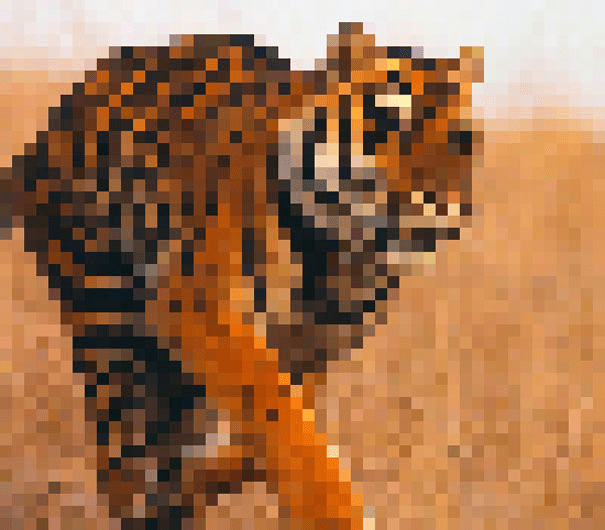
500
Pressing Control+Z (Windows) or Command+Z (Mac) executes this lifesaver of a command.
What is "Undo"?