Text Feature 1
Text Feature 2
Text Feature 3
Text Feature 4
100
A section in the back of the book that gives you additional information.
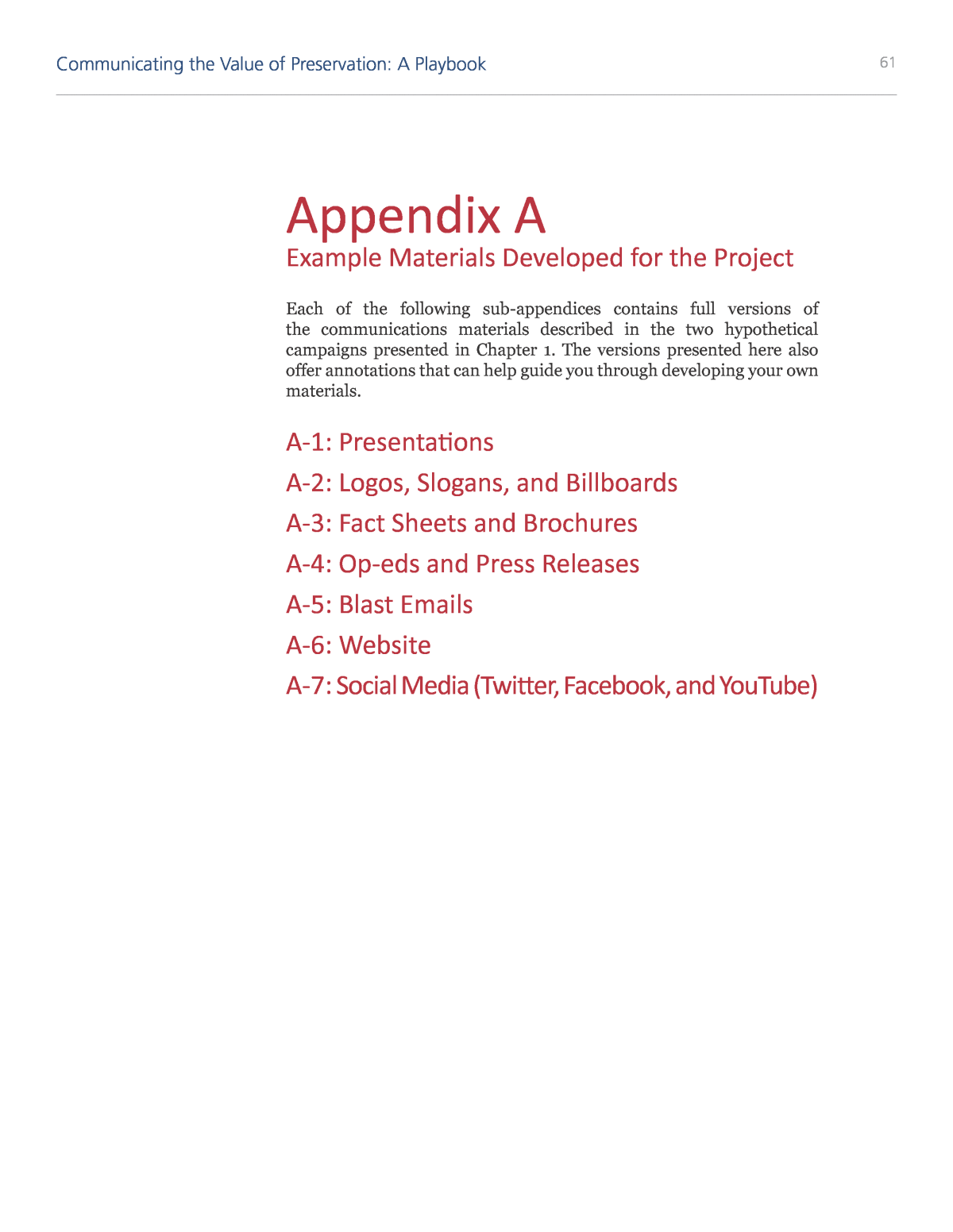 Appendix
100
A list of important information or facts that can be found in the text that is emphasized by bold dots or starts.
Bullets
100
1 Word to show what something is.
Label
100
What is a text feature?
Text features help organize information to make the text more clear and easier to understand.
200
A text feature used to summarize and organize information or data.
Table.
200
Identifies the topic of the text and tells what the text will be about.
Title
200
A visual way to show where places. or events are located.
Map
200
words or phrases that readers can click on to go to another website or digital document. They re often underlined and a different color to stand out.
What is a hyperlink?
300
The title at the top of a page that helps the reader identify the main idea for that section.
Heading
300
A visual way that uses labels to explain where something is or how something works.
Diagram
300
text below or beside photographs or illustrations explaining what is happening in the image or what the image is about.
Caption
300
A page in the beginning of the book that shows the reader the different sections or chapter titles and where they are located.
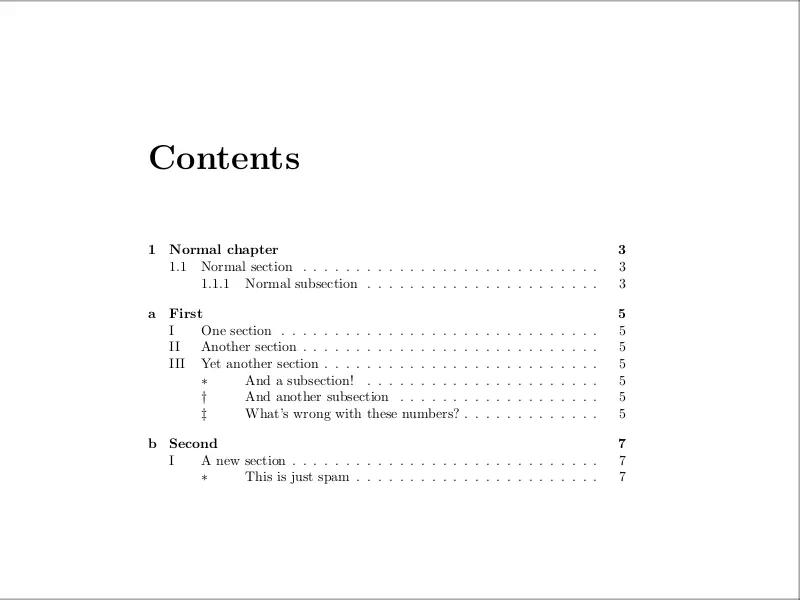 Table of Contents
400
A drawing that shows something important in the text.
Illustration
400
Definitions of people, places, events and terms listed alphabetically in the back of a book.
Glossary
400
A visual way to organize the sequence of events in history.
Timeline
400
More heading that come after the main heading to break the sections of the text up even more. They help identify the main idea for that section.
 Subheading
500
A list of books, magazines, and articles mentioned in a text to give credit for the information.
Bibliography
500
A visual way to organize or compare data or information.
Graph
500
Extra information found in a box or margin of a page that the author thinks you will find interesting or informative.
Sidebar
500
An alphabetical list in the back of the book that tells the reader where they find information on certain topics.
Index