ELAR STAAR TOOLS #1
ELAR STAAR TOOLS #2
ELAR STAAR TOOLS #3
100
What tool is this ? 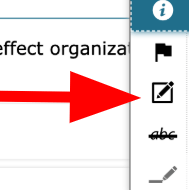
STICKY NOTE
100
What is the first thing you need to ask for when your teacher is reading the instructions?
Ask for a paper!!!!!
100
When/ What do I use the highlighter tool?
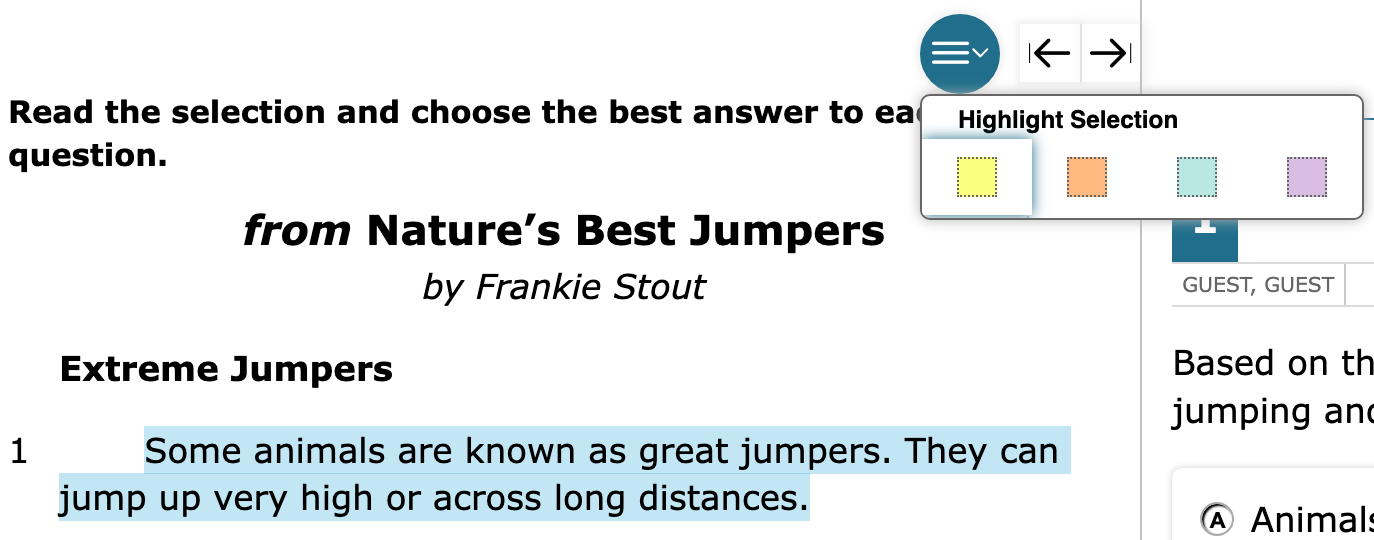
Select the text you want to highlight.
Click on the circle (above the passage) which provides a drop down.
The highlight tools allow you to highlight within the text (passage.) Helping to locate your text evidence. It will provide a list of colors to chose from.
- Use it for repeated words, highlight information you want to use in your ECR to prove your reasoning
200
What does this button show you ?
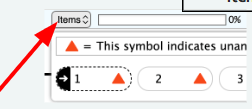
The items dropdown will allow you to quickly identify:
Questions you have answered
Questions you have flagged, and
Questions you have yet to answer.
By the end of the assessment you want this to be 100%
200
If you cant see the whole story what button can you press to adjust the screen?
The expand arrow tools
The expand arrow tools allow you to adjust the screen to view only the passage or only the questions at one time. This allows you to have a larger view of the text or question.
200
What does this button do ?
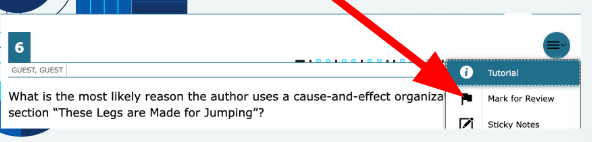
The drop down menu is available by clicking the circle on the far right side about the question.
Once you click you will see multiple testing tools.
The mark to review icon will mark the question by folding down the corner so that you return to review.
300
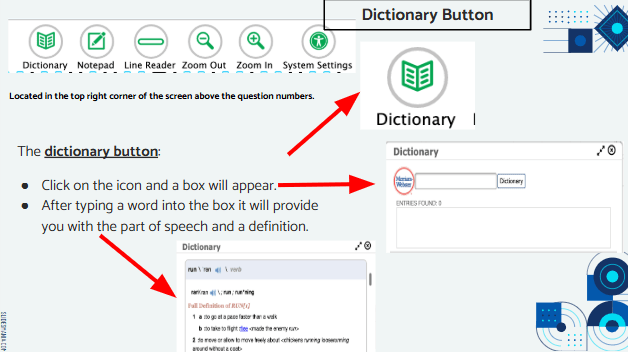
If I DON'T know what the word is what button do I use?
REMEMBER IT WILL EVEN READ THE WORDS OUT LOUD THAT YOU DON'T KNOW.
300
What are these for ?
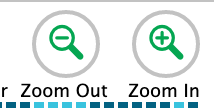
The zoom out and zoom in buttons allow you the text will be smaller or larger.
300
If I need to eliminate answer options what button can I press ?
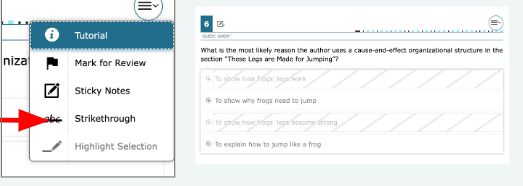
The Strikethrough Button will allow you to eliminate answer options by striking through the selected answer choice.
400
WHAT IS THE PURPOSE OF THSI TOOL ?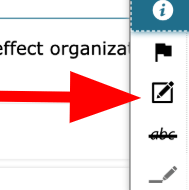
The sticky note button allows you to make notes/jots for the specific question number.
Make sure to click save and close.
The sticky note will be saved to that specific question page.
You will see this icon beside the assessment item number.
The Notepad and Sticky Note tools hold different sets of information.
Notepad is for the entire assessment
Sticky Note is for the specific question.
400
If I need to go to the restroom or have a break what button do I need to push?

400
Should I be rushing and finished with this test before Lunch or in the 1st hour?
NOOOOOOOOOOOOOOOO !!!!!!!
500
What does this tool help you do ?
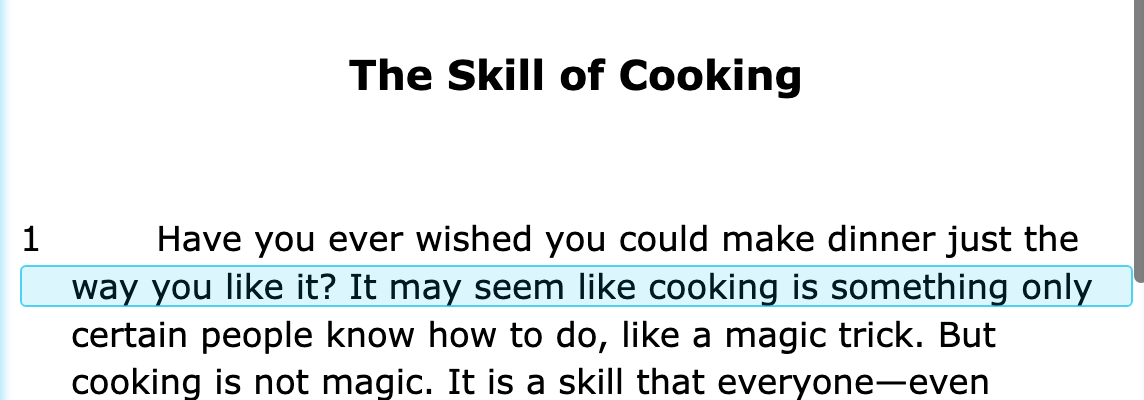
The line reader button will allow you to easily follow along as you read.
Once you select the button the highlighted line will appear.
Click on the text (passage) within the assessment, the Line Reader tool will highlight the text and assist you with tracking the words as you read.
500
If I need to go to the next set of questions what button do I press ?
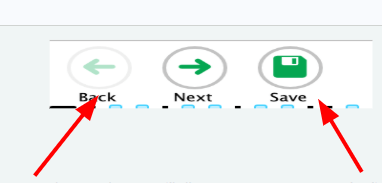
The arrow buttons will allow you to move forwards and backwards in the assessment.
The disk button will save your work. Remember to click the disk button (save) after you answer each question.
500
On my ECR / SCR essays should I type :
- LOL
-JK
-AGSJDFHAGDJFAH31242342
- IDK
NOOOOOOOOOO !