Safety
Hardware
CPM & Orders
Maintenance &
Troubleshooting
Troubleshooting
Miscellaneous
100
To prevent damage to the storage modules or elevators, this is a protective stop.
What is an unseated storage tray?
100
This module houses the CPM monitor, scanner, and keyboard and mouse tray.
What is the User Module?
100
After navigating to Stock>XR2, an Operator must first do this to open up the build or edit restock tray window in CPM.
What is scan the tray?
100
The robot will place medications here when they are on a picker when a robot failure occurs.
What is the reject bin?
100
This is performed after changing the bags, ribbon or cleaning the print head on the auto packager.
What is run a test bag?
200

During this type of stop, the XR2 robot completes its current task and then stops.
What is a controlled stop?
200
Quick Pick drawers are most commonly used for filling these types of orders.
What are First Dose orders?
200
What has to be scanned to unlock the Quick Pick drawer.
What is the XR2 Quick Pick label?
200
This is how often to inspect the vacuum cups.
What is weekly?
200
Its the number of bulk locations you can have in a pharmacy.
What is one?
300
Hold this button in position while moving the elevator in the XR2.
What is the elevator brake release button?
300
The red arrow is pointing to this XR2 component.
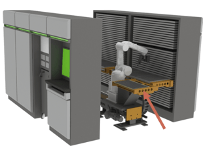
What is the Work Platform?
300
To indicate that a medication should be stocked as a card of 10 tablets, update this field in Bin Assignments.
What is Pack Size?
300
This is the acceptable range for the incoming (house) air pressure.
What is 100-140 PSI?
300
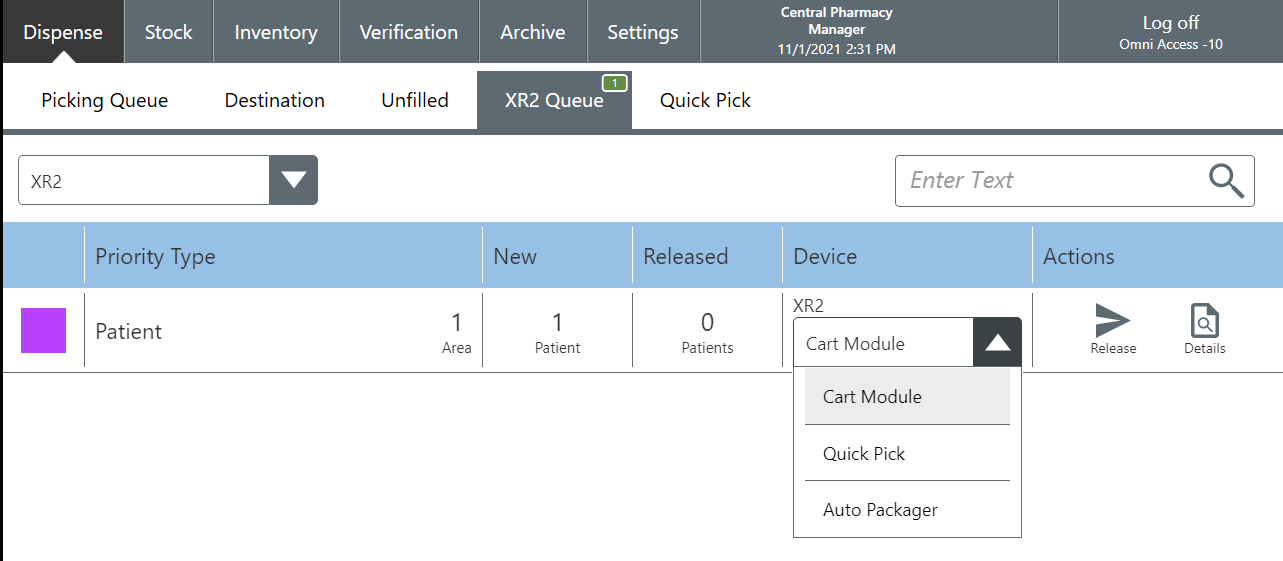
This screen allows operators to change the output device for a pending pick.
What is XR2 Queue?
400
The two times you should press an E-Stop button on the XR2 robot.
What is 1) when there is a risk to operators or 2) when there is a risk to the robot hardware?
400
This XR2 component is used to push and pull trays onto or off of the Work Platform.
What is the Gripper?
400
This is the type of Internal Transfer that happens when XR2 items needs to be restocked.
What is Needs Based?
400
Do this if there is liquid in the Moisture Collector.
What is stop XR2 and call the facilities department?
400
This screen is where you will find pick transactions that could not be completely filled.
What is Unfilled Queue?
500
Prior to starting XR2, check this on the User Module to ensure no one is inside the robot.
What is the Safety Monitor?
500
This component in the Storage Module accesses the trays, brings them to work height, and returns the tray to storage.
What is the Elevator?
500
This option in CPM allows an order to be moved from the Unfilled tab to the XR2 Queue.
What is Reroute?
500
This maintenance procedure allows the Operator to remove items that are expired, missing, unknown, non-assigned, and unexpected within the XR2.
What is XR2 Destock?
500
Its the two types of safety circuits that can protect you from entering the robot cell.
What is protective Stop and Emergency stop?
600
This is the total number of E-Stop buttons included with an XR2 that has Auto Packager.
What is 5?
600
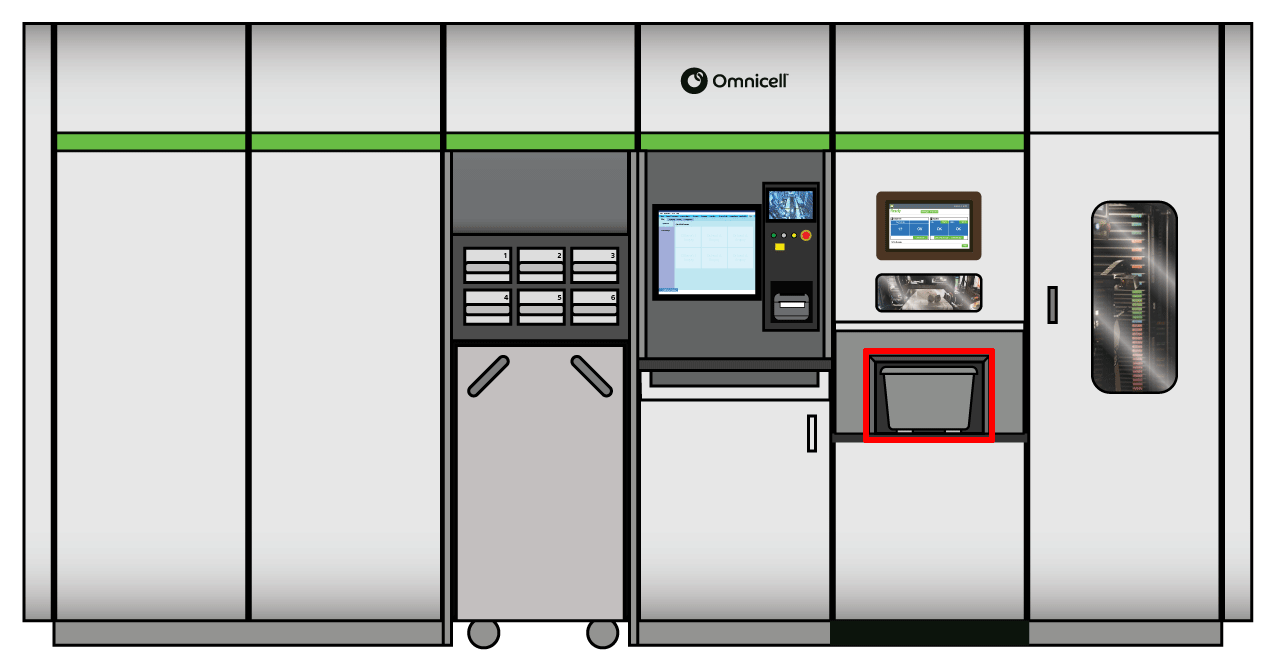
This hardware component holds medication bags after they are filled.
What is the Output Tote?
600
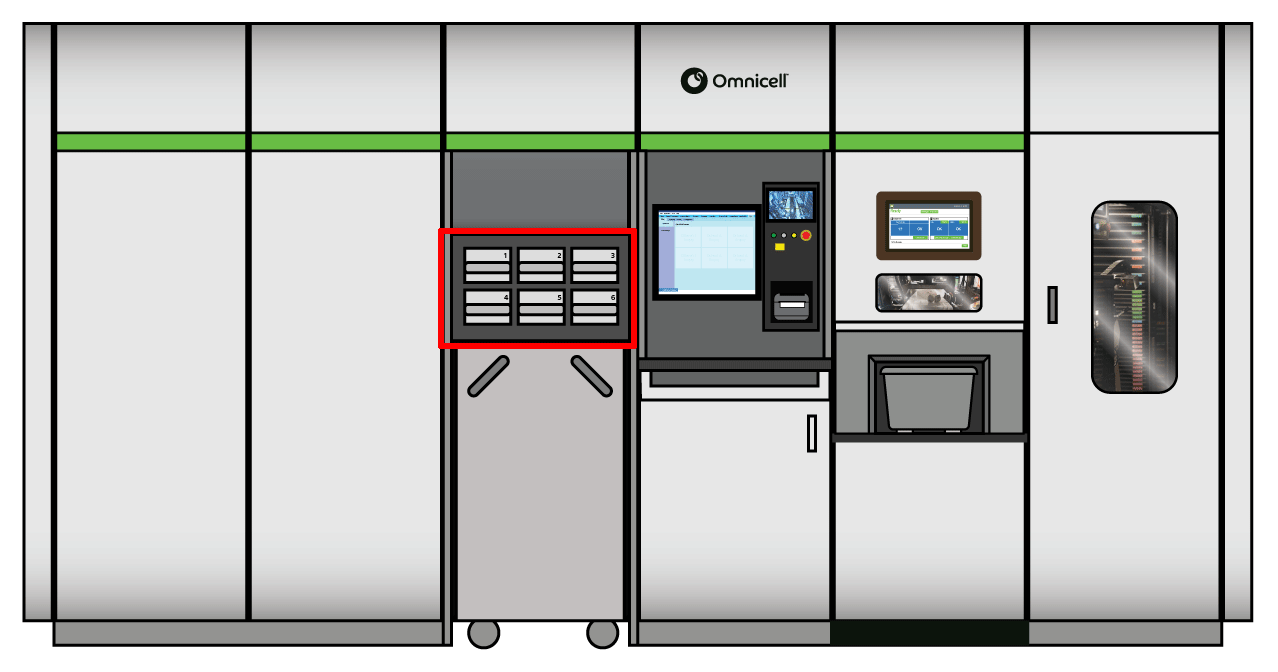
Auto Packager can fill First Dose orders, though they are typically filled through this output device.
What are Quick Pick drawers?
600
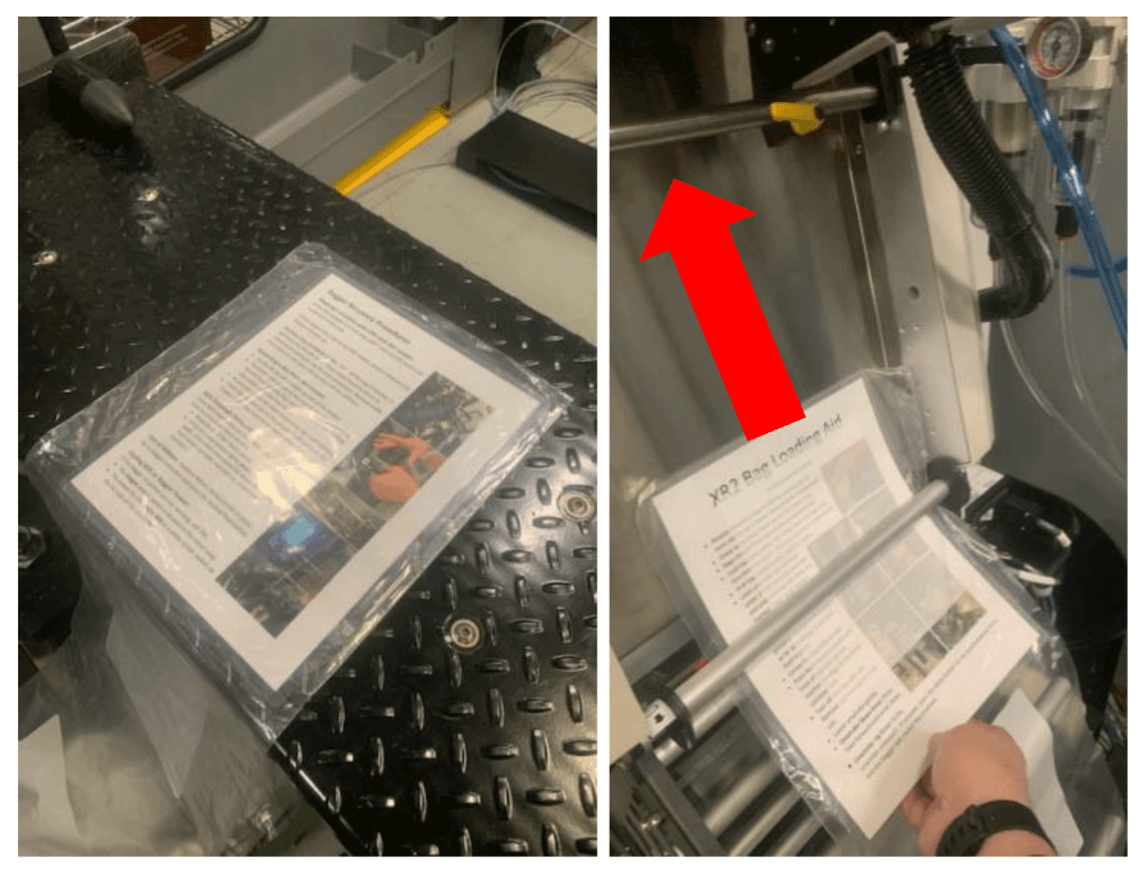
This laminated card is used to ensure bags are loaded properly in Auto Packager.
What is the Bag Loading Aid?
600
After multiple failed attempts to print a test bag, the Operator should do this.
What is call TAC?
700
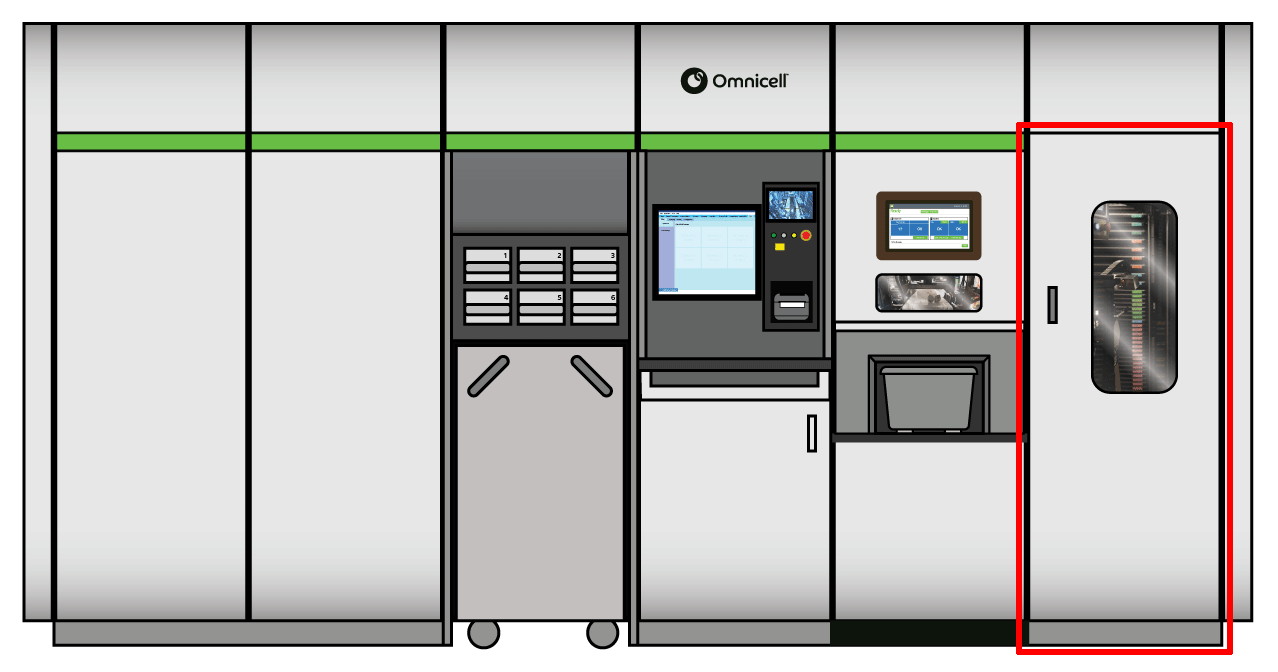
This component allows operators to enter the XR2 robot cell for Auto Packager maintenance.
What is the Access Door?
700
This is where an Auto Packager bin is placed in order to dispense medications into a pre-printed bag.
What is the Bin Loader?
700
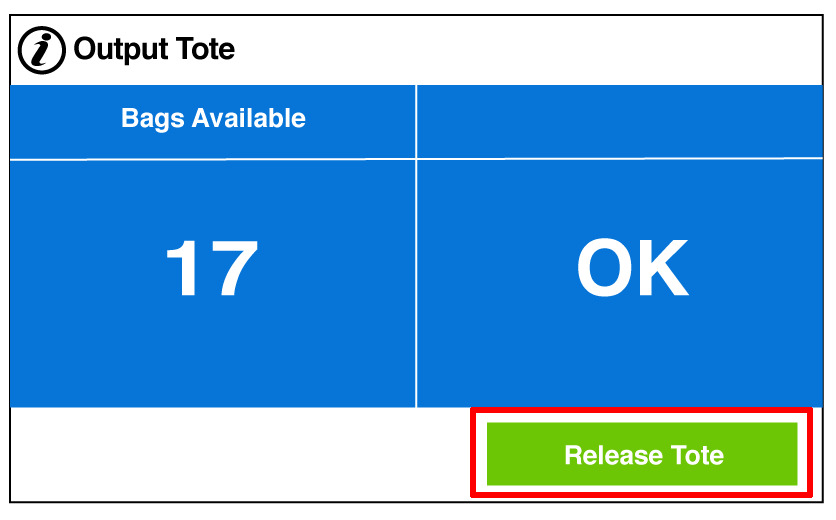
The button an Operator presses to remove orders from Auto Packager once they are filled.
What is Release Tote?
700
This button tells the robot to pull the Auto Packager bin tray onto the work platform in order to perform bin maintenance.
What is the Service Bin Tray?
700
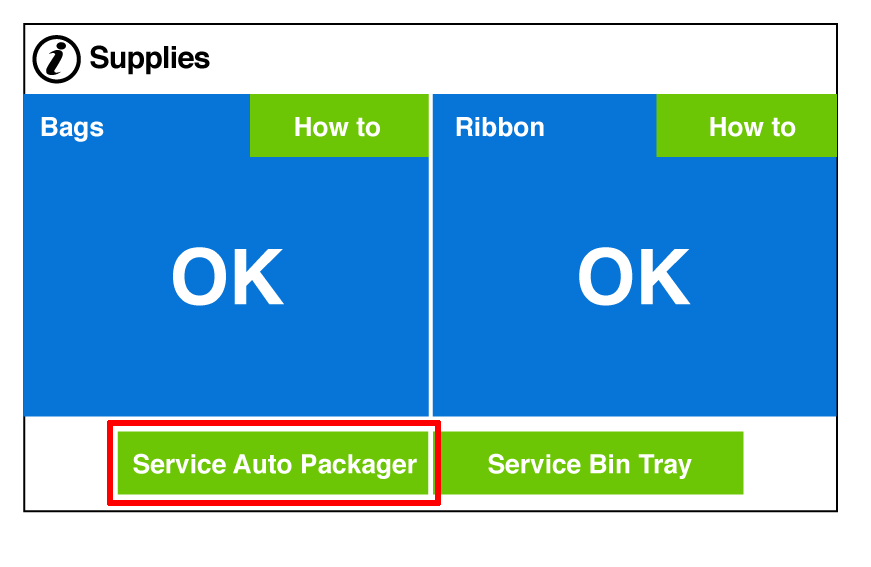
This button moves the XR2 robot arm out of the way to allow access to Auto Packager.
What is the Service Auto Packager button?
800
This button stops all functionality inside the robot cell, including Auto Packager.
What is the E-Stop button?
800
The function of the red beam of light that shines into the output tote.
What is measure the level of bags in the tote?
800
This tab will show which items need to be replenished in a device.
What is Internal Transfer?
800
This button is used to restore power to the Auto Packager.
What is the blue E-stop reset button?
800
You can press this button on the External Touchscreen to select Operator Error Codes or print a test bag.
What is the User Control button?
900
This consumable item weighs 34 pounds and should be lifted and handled with care.
What is a 14-inch roll of bags?
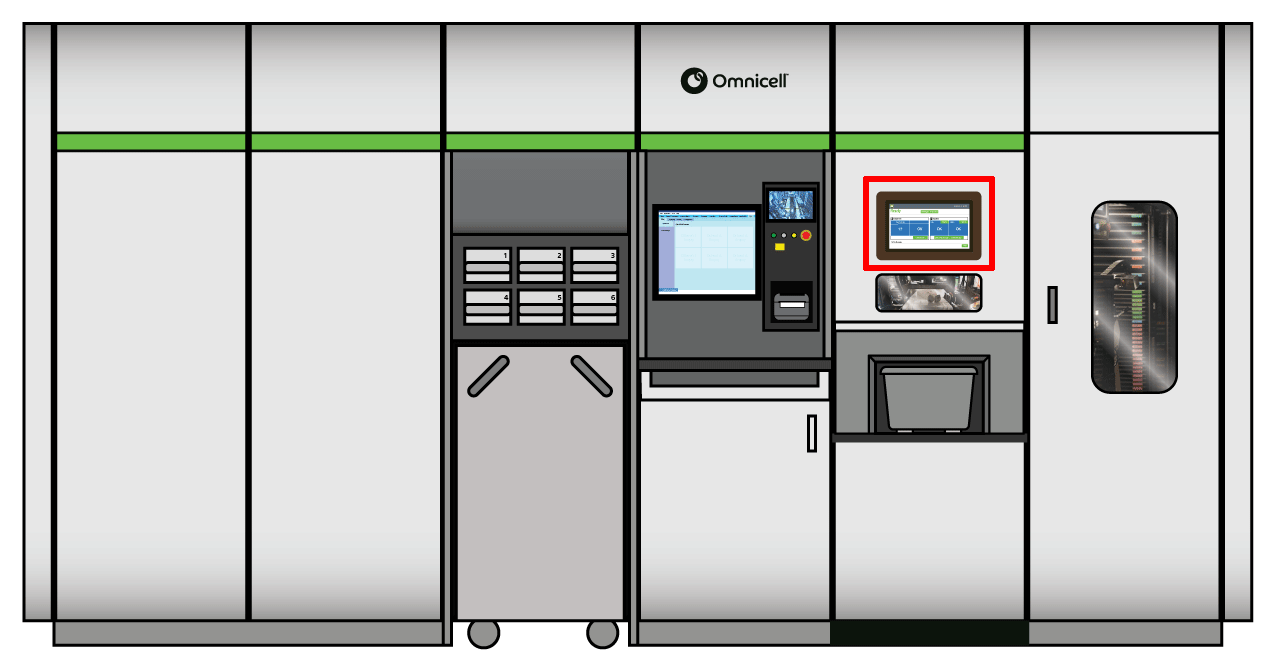
900
This is where the operator can see the status of the Auto Packager, the number of bags filled, as well as the level of the bag and print ribbon supplies.
What is the External Touchscreen?
900
It is the package form that is kept in the XR2
What is unit dose?
900
This maintenance procedure is used to remedy drop-outs on bag labels.
What is cleaning the print head?
900
This is where the Auto Packager Bins live when not being used to fill orders.
What is the Auto Packager Bin Tray above the Quick Pick Bins?
1000
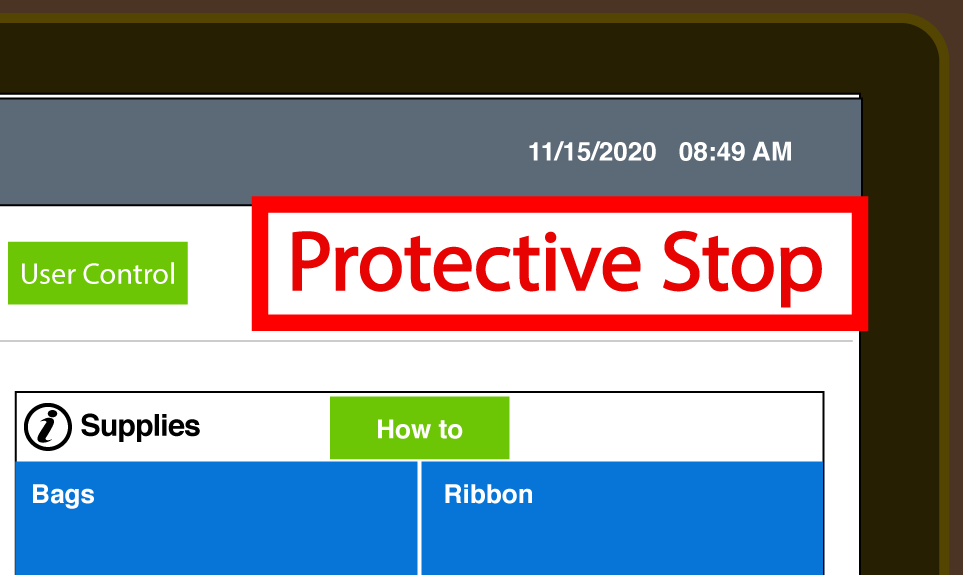
This message displays on the External Monitor on Auto Packager when the access door or exterior doors are open or if the cart is not in place in the cart module.
What is Protective Stop?
1000
This is the default output device for the XR2.
What is the Cart?
1000
This screen in CPM lets the Operator select Auto Packager as an output device from the Device column.
What is the XR2 Queue?
1000
This is the amount of ribbon left in the printer for Auto Packager when the Low alert is displayed.
What is approximately 10%?
1000
This component needs to be lowered into place until back tension holds it at a slight angle.
What is the Unwinder?