Types of hardware
Software and Applications
What components do
Shortcuts
100
What piece of hardware is this?

Motherboard
100
Name 2 Google software.
At least 2 of these: Docs, Slides, sheets, sites, forms, drawing, jamboard.
100
What does the mouse do and what type of device is it?
The mouse is an input device that allows you to click things on the computer.
100
What does ctrl+x do?
It cuts something. Bonus: It copies it and then deletes it form the screen.
200
What piece of hardware is this
Sound Card
200
Name 2 Microsoft apps.
At least 2 of these: Word, Excel, PowerPoint, OneNote, Access, Publish.
200
What does the keyboard do and what type of device is it?
The keyboard is an input device that allows you to type on the computer.
200
What does ctrl+p do?
It prints the page/file you have open.
300
What piece of hardware is this?
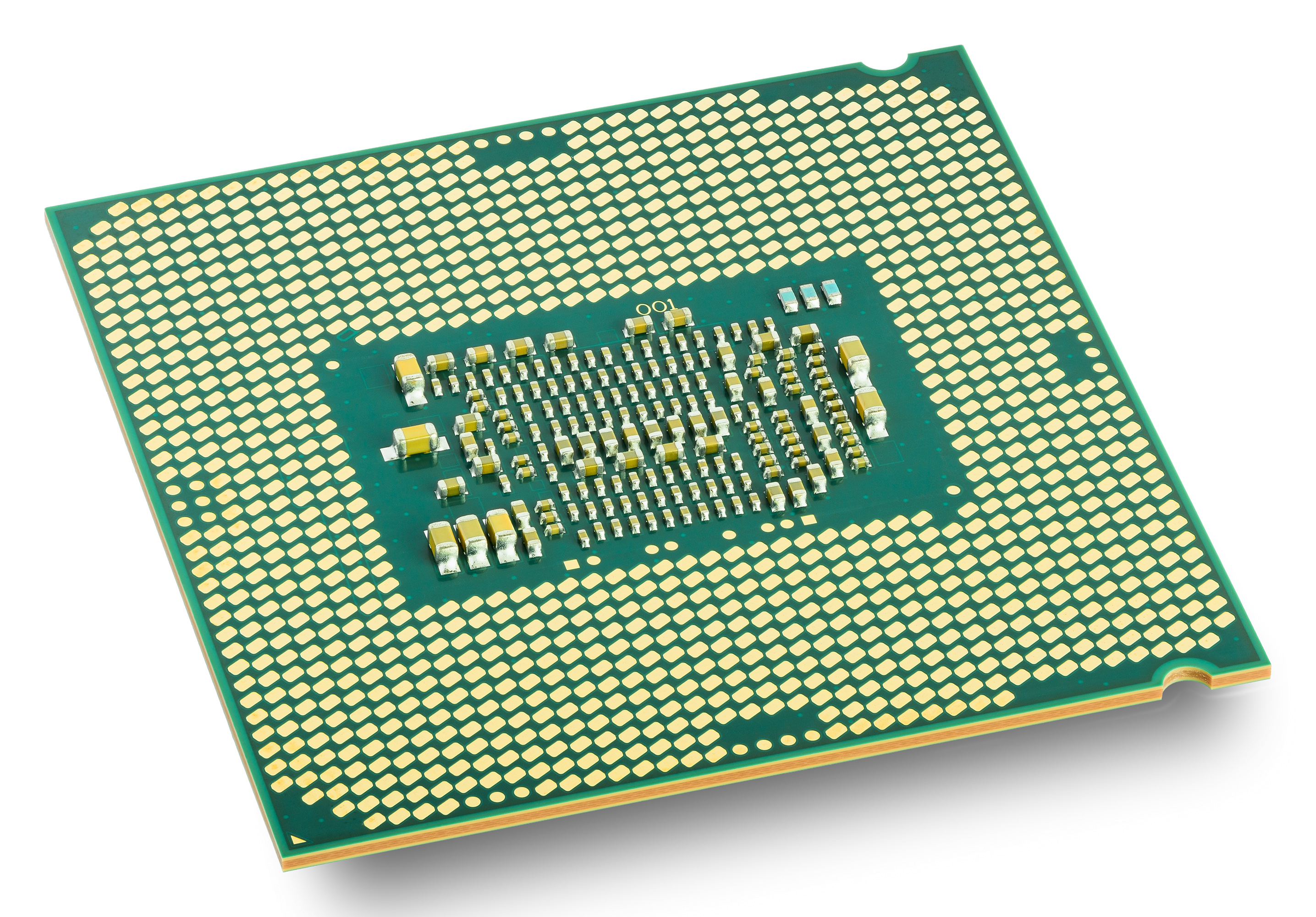
cpu
300
The type of storage apps are downloaded on.
What is ROM (Read Only Memory)?
300
What does the RAM do?
The RAM is the storage of the computer that deletes itself after the computer turns off. It also helps computer apps run such as movies and videos.
300
What does ctrl+E do?
It aligns the text in the center.
400
What is this piece of hardware?
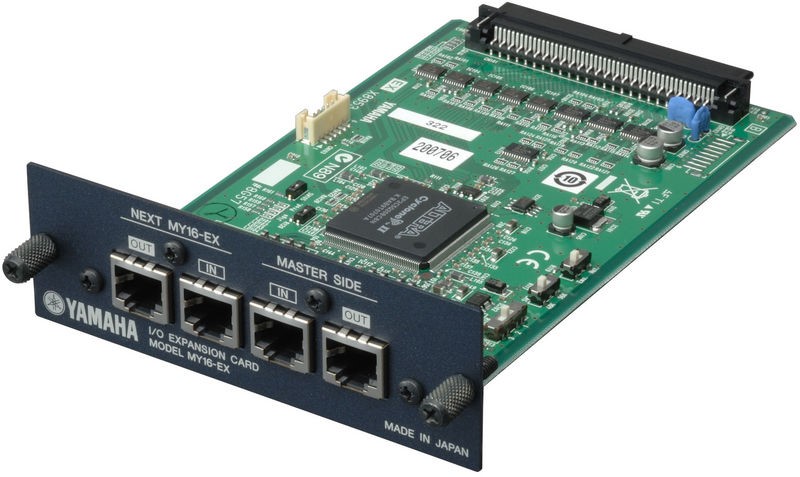
Expansion card.
400
What is the difference between a Computer application and a software application.
Computer apps help hardware in the computer run and software applications help you do things on the computer.
400
What does the Hard drive do?
The hard drive is the main storage of the computer and it mainly stores all your files and downloads.
400
What does ctrl+y do?
It repeats something.