Guess What!
Identify!
Say What?
What, What?
Random
100
In __________, you can animate text and objects such as clip art, shapes, and pictures. Animation—or movement—on the slide can be used to draw the audience's attention to specific content or to make the slide easier to read.
PowerPoint
100
To remove an animation
- Select the small ______ located next to the animated object.
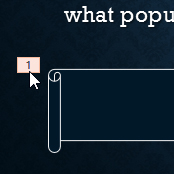
- Press the Delete key. The animation will be deleted.
number
100
- A dialog box will appear. Use the green handle to set the start time and the red handle to set the ___ ____.
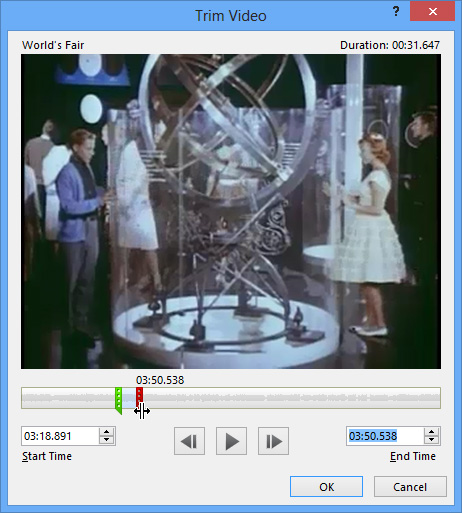
end time.
100
Controls whether the video starts automatically or when the mouse is clicked
Start:
100
What's your Computer teacher's complete name?
Noriel Garcia Beraquit
200
These control how the object enters the slide. For example, with the Bounce animation the object will "fall" onto the slide and then bounce several times.

Entrance
200
To insert a video from a file:
- From the Insert tab, click the _____ drop-down arrow, then select Video on My PC.
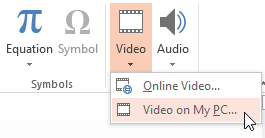
Video
200
- To preview the video, click the ____ button.
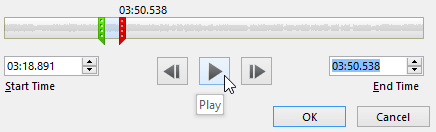
Play
200
Lets the video fill the entire screen while playing
Play Full Screen:
200
What can be as big as an elephant but weighs nothing?
Shadow
300
These animations occur while the object is on the slide, often triggered by a mouse click. For example, you can set an object to spin when you click the mouse.

Emphasis
300
- Locate and select the desired video file, then click ______.
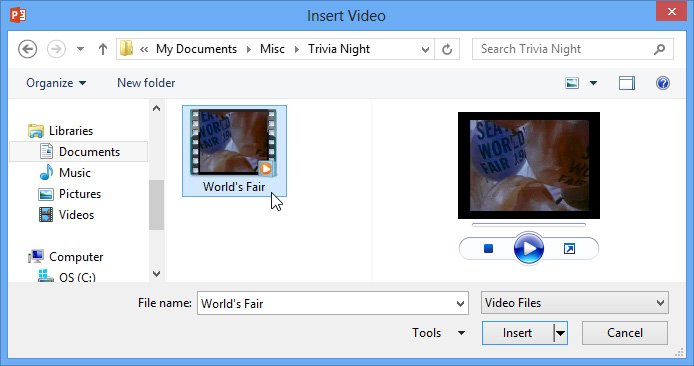
Insert
300
To add a bookmark:
- Click the ________ to locate the desired part of the video.
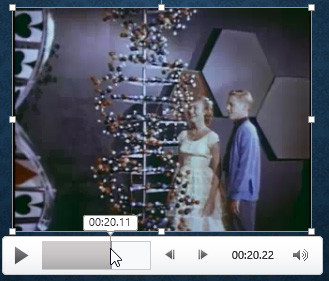
timeline
300
Hides the video when not playing
Hide While Not Playing:
300
Why isn't your nose 12 inches long?
because then, it would be a foot. :)
400
These control how the object exits the slide. For example, with the Fade animation the object will simply fade away.

Exit
400
To trim a video:
- Select the video, then click the ________ tab on the Ribbon.
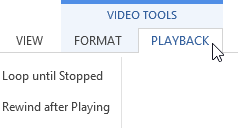
Playback
400
- From the Playback tab, click the ___ ________ command.
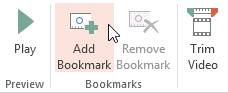
Add Bookmark
400
Replays the video until stopped
Loop until Stopped:
400
What is the center of gravity?
V
500
These are similar to Emphasis effects, except the object moves within the slide along a predetermined path, like a circle.

Motion Paths
500
- Click the ____ _____ command.
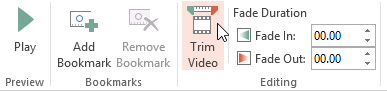
Trim Video
500
Changes the audio volume for the video
Volume:
500
Returns the video to the beginning when it is finished playing
Rewind after Playing:
500
How many vowels are there in the word: Sihanoukville?
6