Exposure
Aperture
Shutter Speed
Composition
Photoshop
100
Exposure controls
What is light?
100
The opening in a camera lens that controls how much light enters the camera. It also controls light.
What is aperture?
100
The length of time a camera's shutter is open to expose light to the sensor.
What is shutter speed?
100
The arrangement of visual elements within a photograph.
What is composition?
100
Photoshop is part of this suite
Adobe Suite
200
The characteristic of high ISO
What is grain/noise?
200
A larger aperture opening that allows more light to enter.
What is a low f-stop number?
200
This is freezes action and minimizes motion blur.
What is a fast shutter speed?
200
Using natural frames, boxes, rectangles to draw attention to your subject
Framing
200
What is the name of this tool?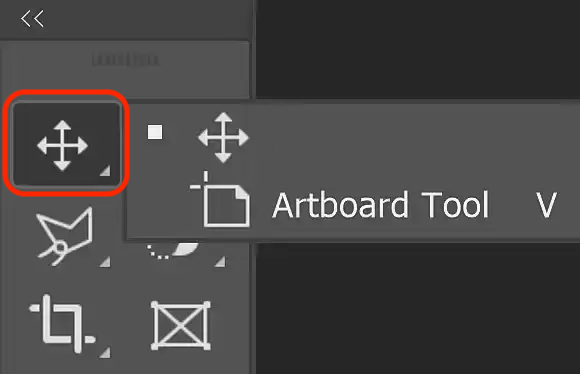
What is the move tool?
300
The three elements of the Exposure Triangle
What is Aperture, Shutter Speed, ISO
300
A bigger apertures create a shallow/blurry background while smaller apertures produces a deep/in-focus background
What is depth of field?
300
What is shutter speed measured in?
Fractional seconds
300
What type of composition was used?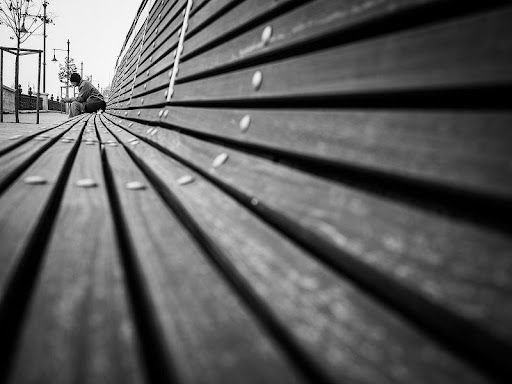
What is leading lines?
300
Name the layer that is turned off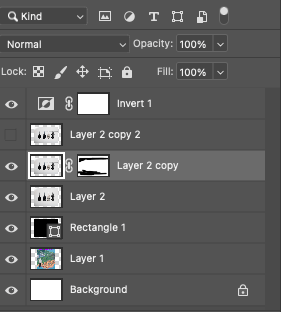
What is Layer 2 copy 2?
400
In AV mode, what 2 components of the exposure triangle can be set by the user?
Aperture and ISO
400
An aperture of f/11 creates this type of depth of field
What is a deep depth of field.
400
True or false: A shutter speed of 1/1000 creates motion blur.
What is false.
400
What type of composition was used?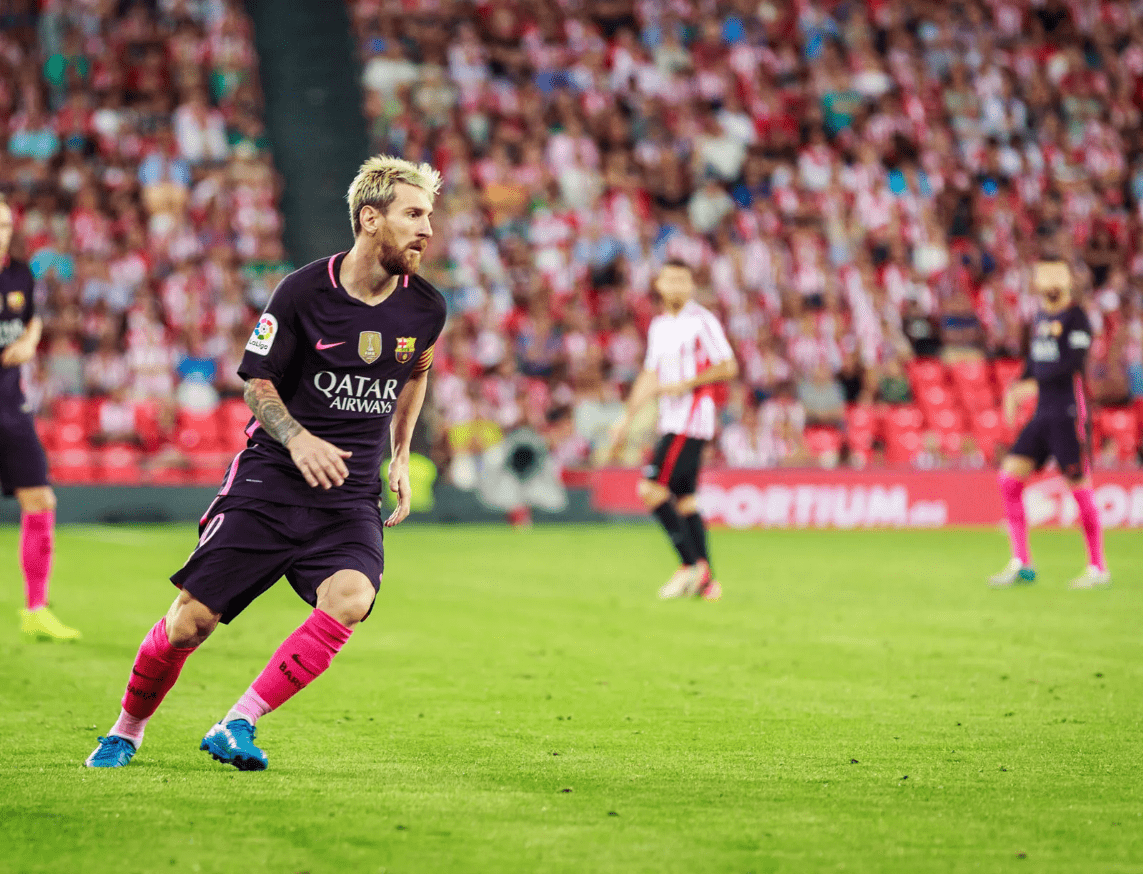
What is rule of thirds?
400
A separate level in a Photoshop document that allows for independent editing of elements.
What is a layer?
500
The correct term for this exposure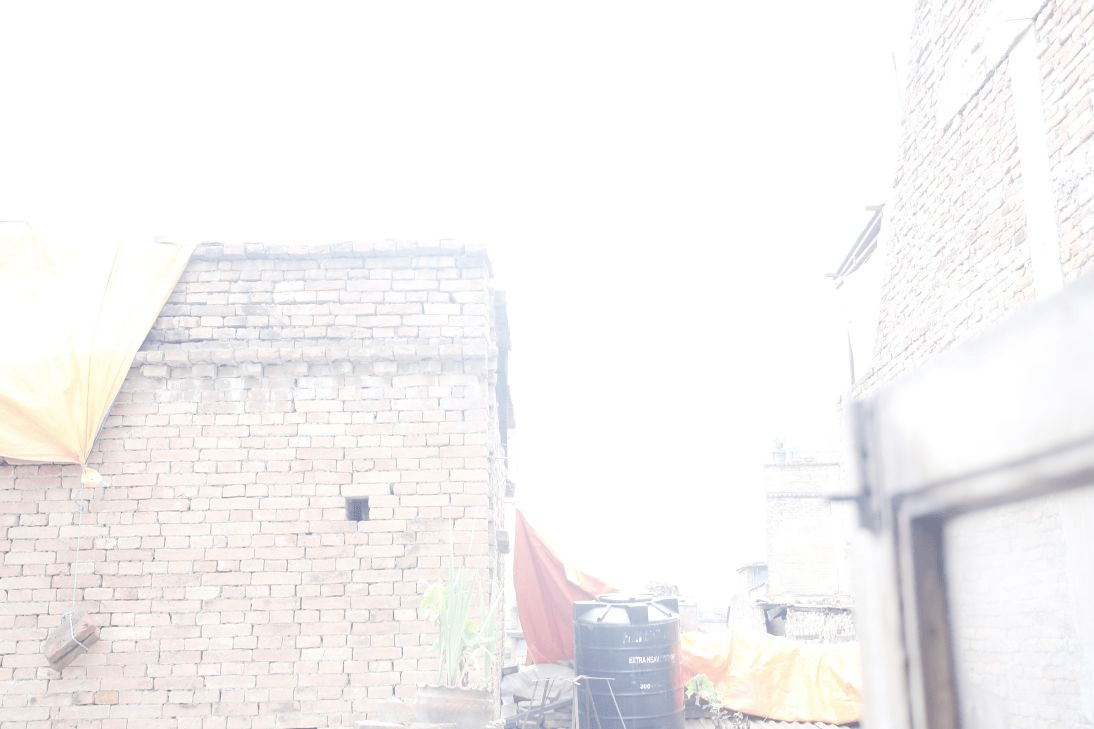
What is overexposed?
500
This aperture lets in more light, f/3.5 or f/5?
What is f/3.5
500
What type of shutter speed was used?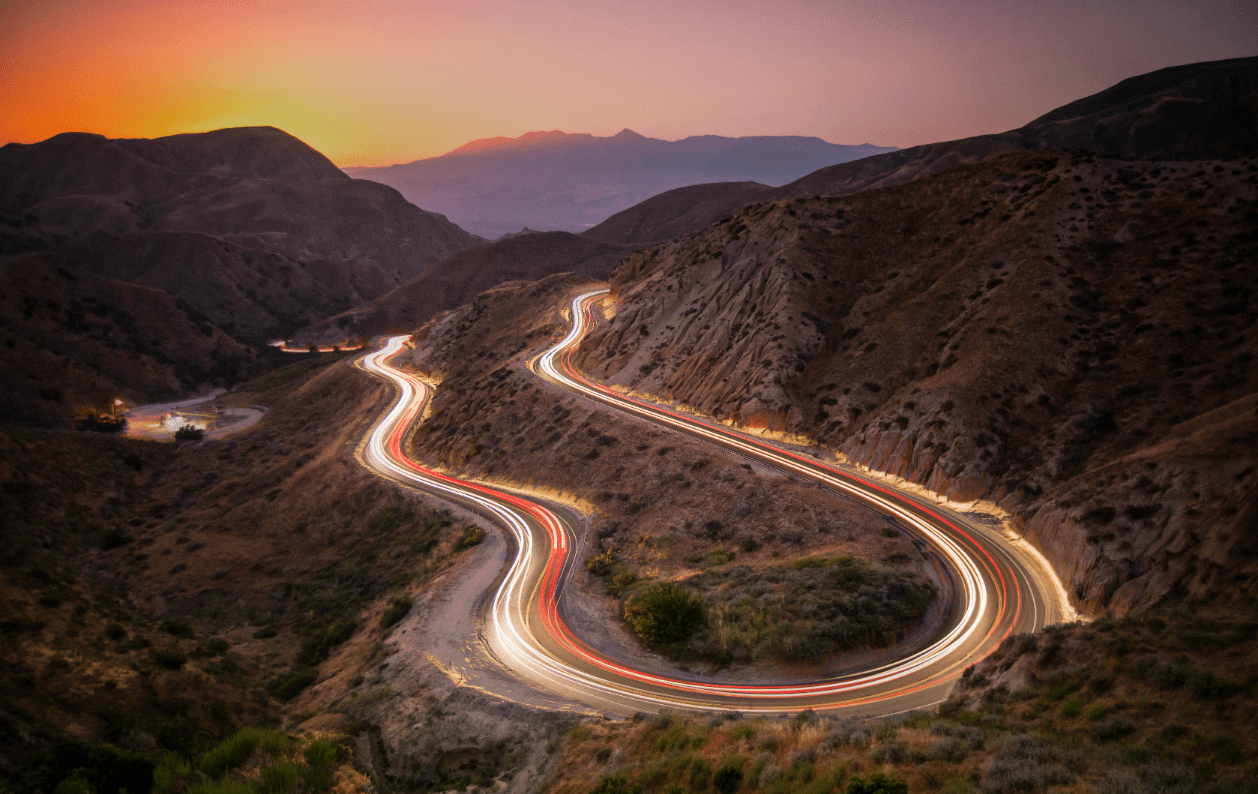
What is a slow shutter speed?
500
What two type of compositions were used?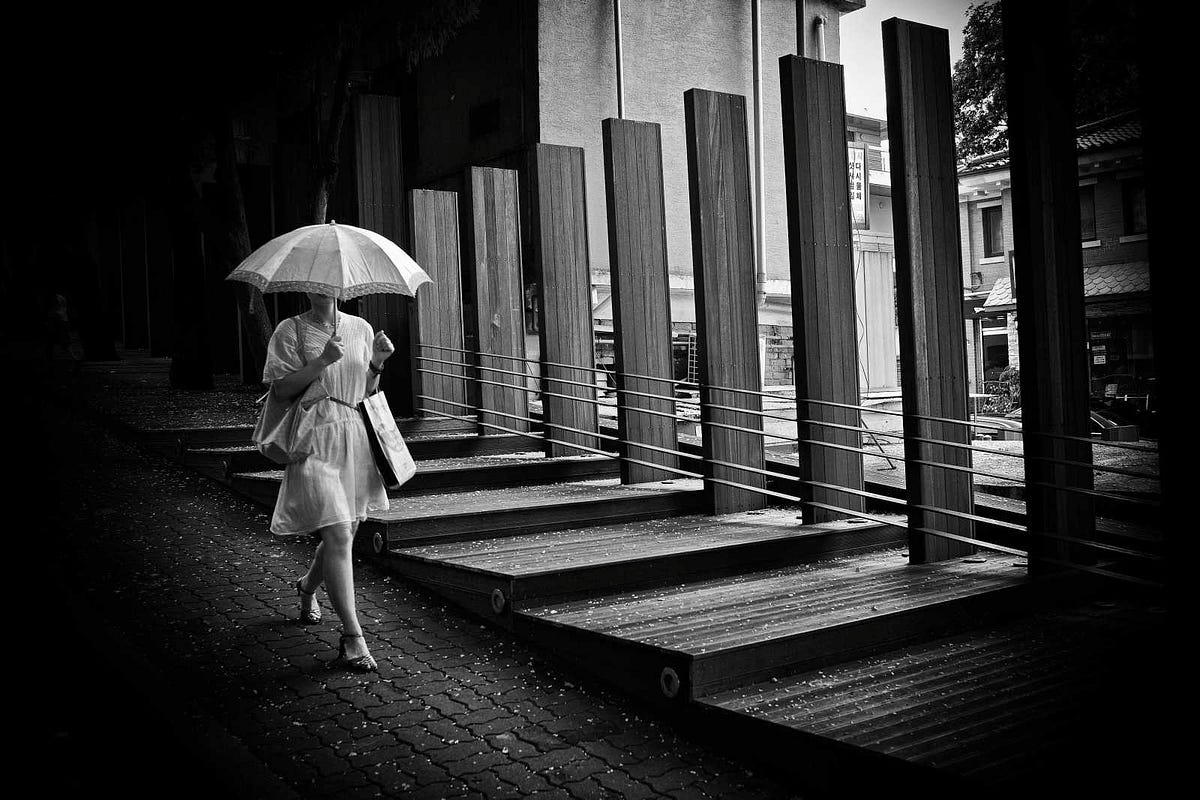
What are leading lines and rule of thirds?
500
What is the shortcut to zoom in and out
Hold Z + Click and drag left or right.